
Git is a distributed version control system that enables developers to keep track of changes made to the code, collaborate with other developers, and maintain different versions of the codebase.
Git is important because it allows teams to work on a project simultaneously, keeps track of changes, and makes it easy to revert to an earlier version of the codebase if needed.
Installing Git depends on your operating system. Here are the general steps for installing Git on different platforms:
1. Windows
- Download the Git installer from the official website (https://git-scm.com/download/win)
- Run the installer and follow the prompts to complete the installation.
2. Mac
- Download the Git installer from the official website (https://git-scm.com/download/mac)
- Run the installer and follow the prompts to complete the installation.
- Alternatively, you can also use the Homebrew package manager to install Git by running the command:
brew install git3. Linux
The process of installing Git on Linux depends on the distribution you are using.
For example, on Ubuntu, you can install Git by running the following command:
sudo apt-get install gitOnce Git is installed, you can access it from the command line by running git command.
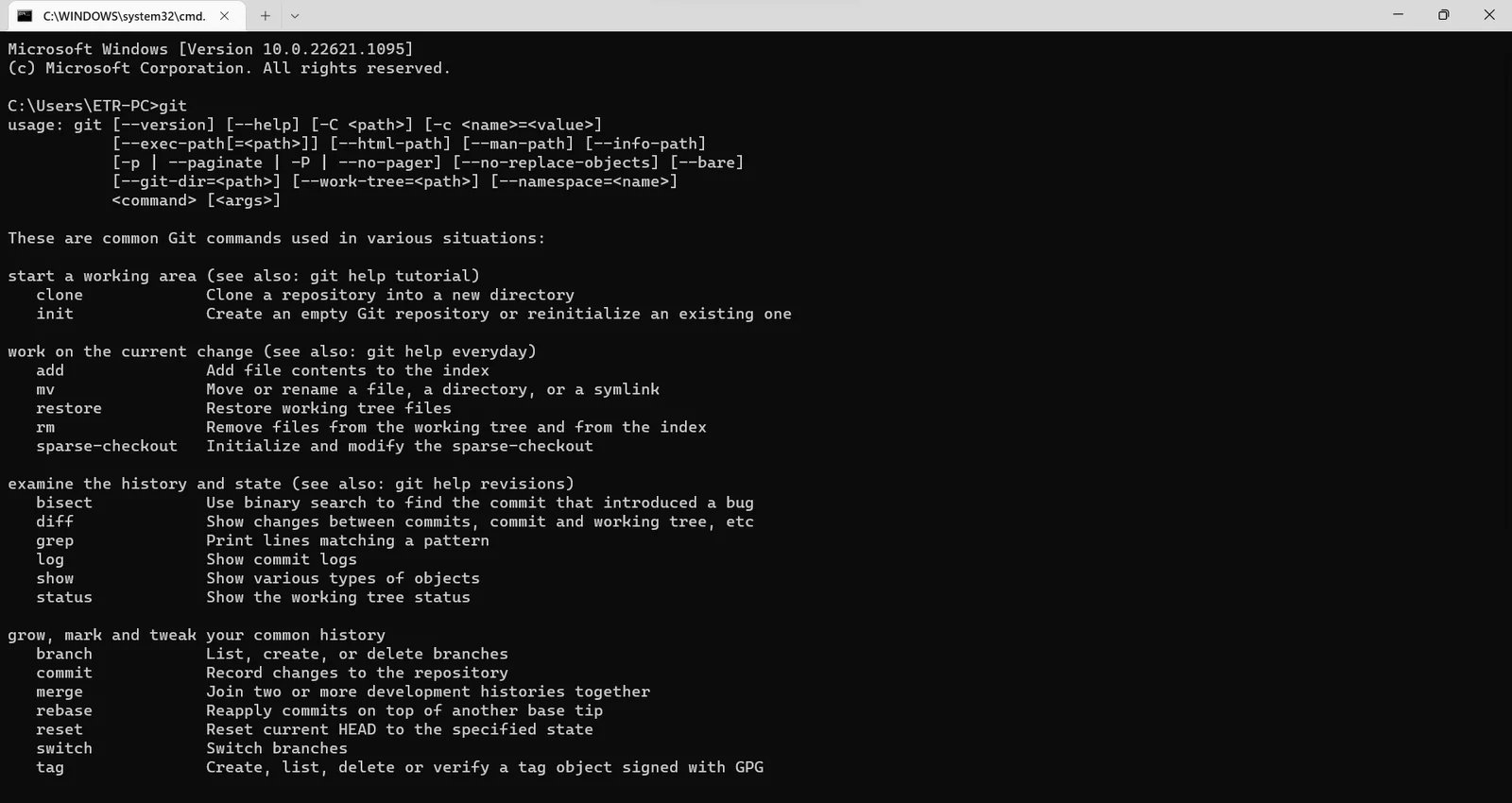
Git on Windows
Git on Windows
Git GUIs
Git also comes with a variety of graphical user interfaces (GUIs) that provide a visual representation of the Git workflow. These GUIs make it easy to understand Git and its features.
Here are a few popular Git GUI clients:
- GitHub Desktop: GitHub Desktop simplifies your development workflow.
- GitKraken: A cross-platform Git client that supports Windows, Mac, and Linux.
- SourceTree: A free Git client for Windows and Mac.
- Git-cola: A free, open-source Git client for Linux.
- SmartGit: A commercial Git client for Windows, Mac, and Linux
- Git-GUI: Git command-line tool bundled with Git, that can be used as GUI
Enjoyed this post? Subscribe to my YouTube channel for more great content. Your support is much appreciated. Thank you!
Ervis Trupja
Check out my Udemy profile for more great content and exclusive learning resources! Thank you for your support.
Enjoyed this blog post? Share it with your friends and help spread the word! Don't keep all this knowledge to yourself.
Keep learning
Full-length .NET courses on every platform I teach on.